Singapore eSIM for Australians: Plans, Setup & Tips
Why Australians are switching to a Singapore eSIM
Landing in Singapore is easy. Getting connected can be the annoying part—especially if you’re tired after a flight from Australia, your hotel check-in needs an online form, or you need Grab right away.
Many travellers still default to:
- International roaming (often expensive, even on big Aussie carriers like Telstra)
- A changi airport sim queue (fast sometimes, but not always)
- A physical singapore travel sim bought in-store (extra time and ID checks)
A Singapore eSIM solves the common pain points: no plastic SIM, no hunting for a shop, and no swapping your Australian SIM out. You can set it up before you fly and land with data ready to go.
What is a Singapore eSIM (and will your phone work)?
An eSIM is a digital SIM that you install by scanning a QR code or using an app. It gives you a local or travel data plan without needing a physical card.
Before you buy, check:
- Your phone supports eSIM (most newer iPhones, Samsung Galaxy, Google Pixel do)
- Your handset is unlocked (some phones on contracts can be locked)
- You still need your Australian number? Keep your physical SIM active for calls/SMS while using eSIM data (dual SIM)
Practical tip: If you rely on SMS for bank logins, keep your Australian SIM enabled for SMS while your Singapore eSIM handles data.
Singapore eSIM vs roaming vs Changi Airport SIM
Here’s how the main options stack up for Australians.
Roaming (including Telstra)
Roaming is convenient, but it can be pricey and unpredictable. Even when you buy a daily roaming pack, you may still face:
- Daily fees that add up over a week
- Speed limits or fair-use caps
- Battery drain from constant network switching
If you’re travelling for 5–7 days, a dedicated Singapore data plan (Australia travellers) often costs less than paying day-by-day roaming.
Changi Airport SIM
A changi airport sim is a common choice, but it comes with trade-offs:
- You may need to queue after a long flight
- Shops can be busy during peak arrival times
- You’ll swap SIMs and risk losing your Aussie SIM (or needing a SIM tool)
- Some plans are more voice-focused than data-focused
It works, but it’s not the smoothest start to a premium trip.
Singapore eSIM
A Singapore eSIM is built for travellers who want:
- Setup before departure
- No SIM swapping
- Immediate data on arrival
- Clear pricing and easy top-ups (depending on provider)
With Trvel, you also get practical extras that matter when you’re on the move:
- Instant activation (set it up in minutes)
- Premium networks (strong coverage where travellers actually go)
- 10‑minute guarantee (if you’re stuck, you’re not left waiting)
- Human support (real help when you need it, not just a chatbot loop)
Choosing the right Singapore data plan (from Australia)
Most Australians don’t need unlimited data—they need reliable data with enough GB for maps, messaging, ride-hailing, and a bit of streaming.
Use this simple guide:
1–3 days in Singapore (stopover or weekend)
- Best for: city break, cruise stop, F1 weekend add-on
- Typical use: Maps + WhatsApp + Grab + light browsing
Choose a smaller plan, but don’t cut it too fine—airport and hotel setups can chew through data quickly.
4–7 days (most common)
- Best for: first-time Singapore trip, family holiday, business travel
Plan for heavier daily use: navigation, attraction bookings, food reviews, social uploads.
8–14 days (long stay or Singapore + region)
- Best for: multi-city trips, digital nomads, remote work
If you’ll hotspot a laptop, take video calls, or upload lots of photos, choose a higher data plan.
Practical tip: If you’ll be using Grab, Google Maps, and streaming in the evenings, your data use rises fast. It’s usually cheaper to buy enough upfront than to scramble mid-trip.
Where you’ll need data most in Singapore
Singapore is one of the easiest places in Asia to travel, but data still makes everything smoother. You’ll likely use it for:
- Grab for rides (and food delivery)
- Google Maps for MRT routes and walking directions
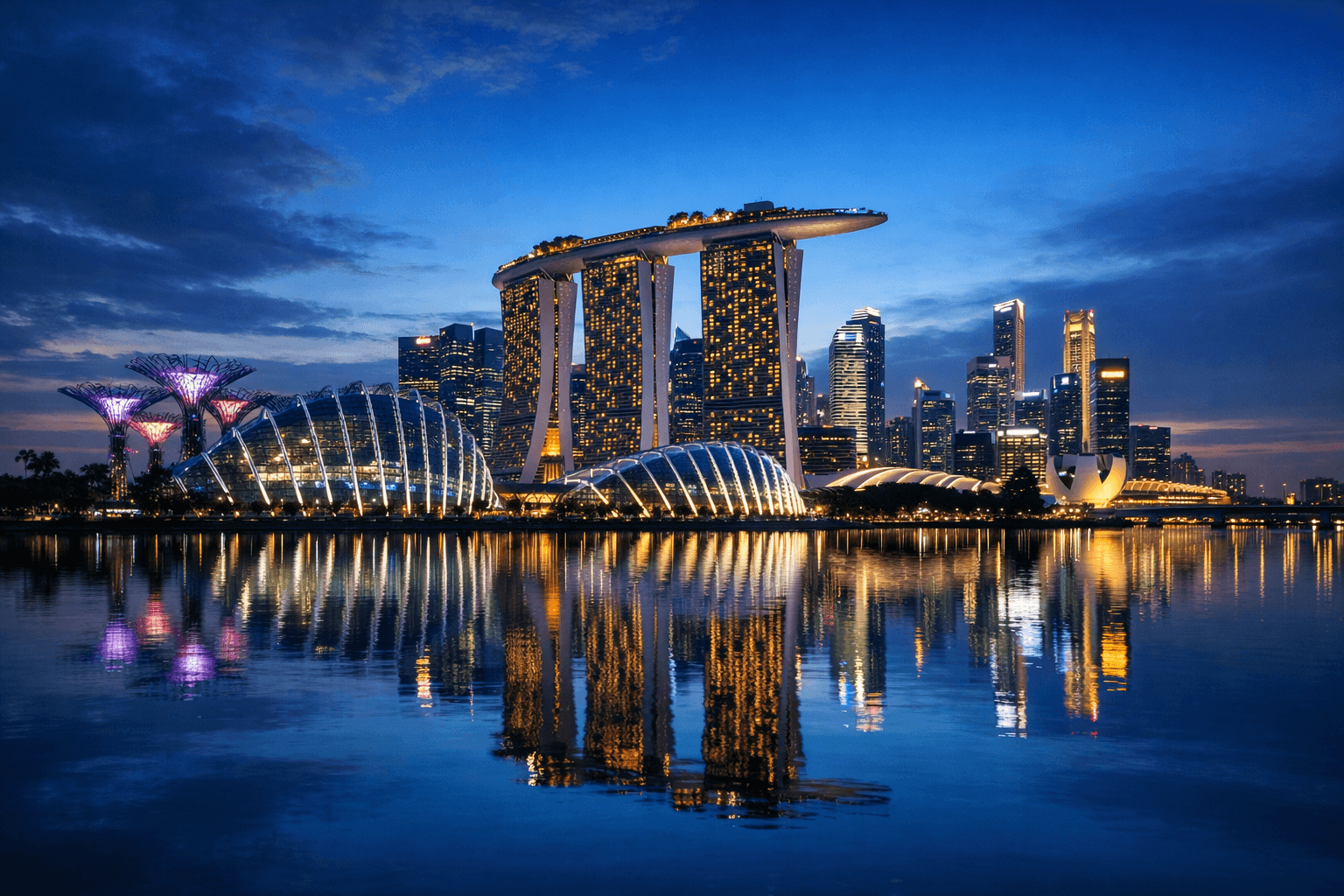
- Attraction tickets (Marina Bay Sands, Gardens by the Bay, Sentosa)
- Hawker centre payments and menus (many stalls use QR codes)
- Translation and quick searches when exploring neighbourhoods like Chinatown and Little India
While many places offer Wi‑Fi, it’s not always seamless, and public networks can be less secure. A dedicated eSIM keeps you connected without relying on café Wi‑Fi.
How to set up a Singapore eSIM (step-by-step)
Set up before you leave Australia, ideally on home Wi‑Fi.
- Check eSIM compatibility on your phone.
- Buy your plan (choose dates and data size).
- Install the eSIM (usually via QR code or in-app install).
- Label your SIMs (e.g., “AU SIM” and “Singapore eSIM”) to avoid confusion.
- Set mobile data to the eSIM and keep your AU SIM for calls/SMS if needed.
- Turn on data roaming for the eSIM (many travel eSIMs require this—don’t worry, it won’t trigger Telstra roaming charges if your data line is the eSIM).
- Test it before departure if possible, then switch on when you land.
Practical tip: Screenshot your eSIM QR code and instructions. If you have a connection hiccup at the airport, you’ll still have what you need.
Avoid common issues Australians run into
“I installed it, but I have no data”
Most often this is one of three things:
- Mobile data is still set to your Australian SIM
- Data roaming for the eSIM is switched off
- The APN didn’t auto-configure (rare, but fixable with support)
Trvel’s 10‑minute guarantee and human support are designed for exactly this moment—when you’re standing in arrivals and you just need it working.
“Will my Australian number still work?”
Yes, in most cases:
- Keep your Australian SIM active for calls/SMS
- Use the Singapore eSIM for data
- Use Wi‑Fi calling if your carrier supports it (helpful for receiving calls without roaming)
“Should I just buy a Singapore travel SIM at Changi?”
If you prefer physical SIMs, you can. But if you want to:
- skip queues,
- avoid swapping SIMs,
- and land connected, an eSIM is usually the better fit.
Practical travel tips for staying connected in Singapore
- Download offline maps for Singapore as a backup.
- Set app updates to Wi‑Fi only to avoid unexpected data use.
- Use messaging apps (WhatsApp, iMessage) for most communication.
- Keep Low Data Mode on if you’re on a smaller plan.
- Have a plan for your OTPs (bank codes): keep your AU SIM enabled for SMS.
Why Trvel is a smart pick for Singapore
Australian travellers want a service that feels simple and premium—especially when you’ve paid good money for flights and hotels.
Trvel focuses on the details that matter on the ground:
- Instant activation so you can set up before you fly
- Premium networks for strong coverage across Singapore
- 10‑minute guarantee when you need help fast
- Human support so you can fix issues without stress
It’s not just a Singapore data plan—it’s a smoother arrival and fewer travel admin headaches.
Ready to get connected in Singapore?
If you’re travelling from Australia and want to skip roaming surprises and the changi airport sim queues, choose a Trvel Singapore eSIM and land with data already working.
Get your Trvel Singapore eSIM now, install it before departure, and start your trip connected from the moment you arrive.

Written by
Emma Thompson
Former travel agent turned content creator, helping Australians make the most of their overseas adventures.